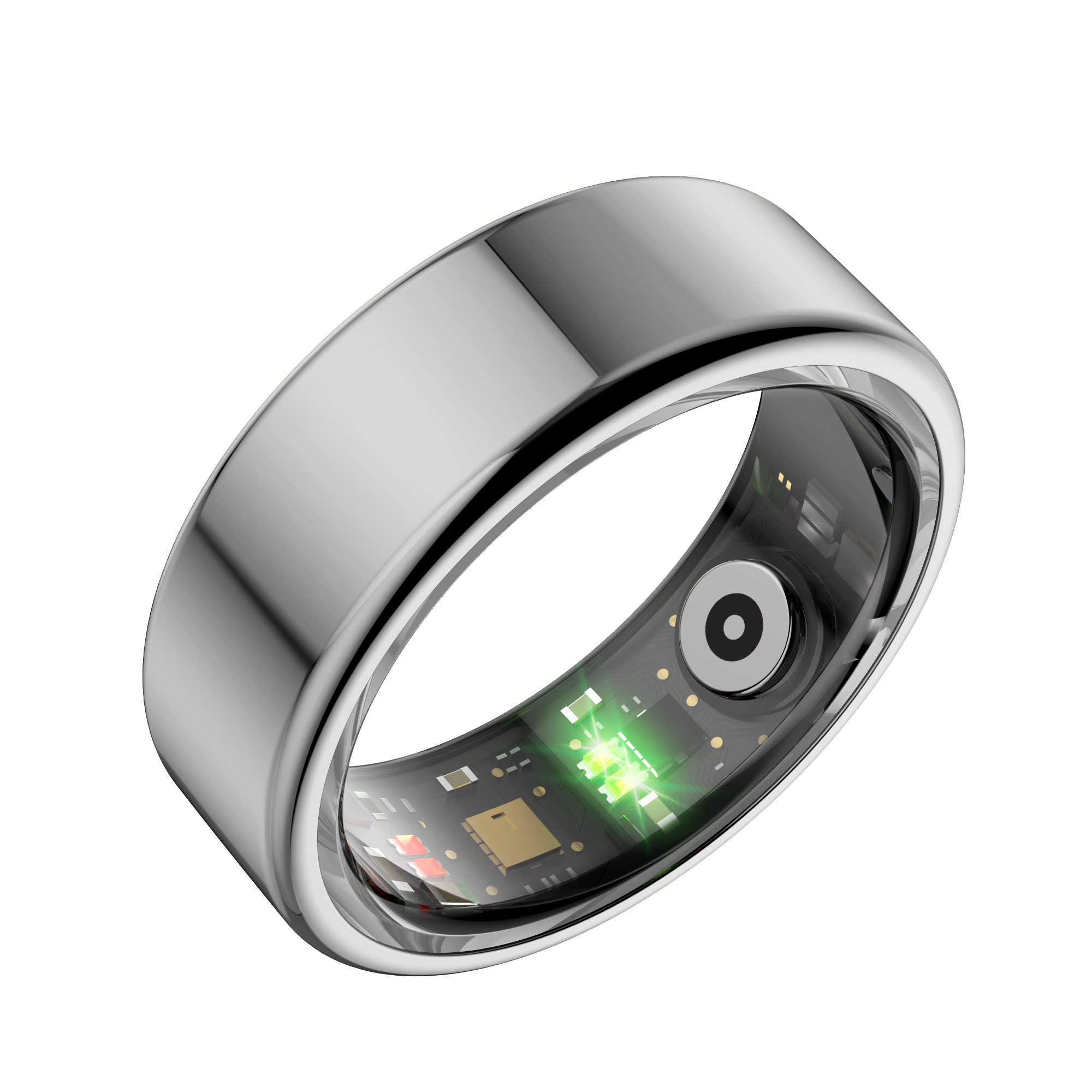



Can Life Ring Sync With Apple Health and Samsung Health?
Share
Yes, Life Ring can sync with Apple Health and Samsung Health, along with other platforms outlined below. In fact, it offers a simple way to keep track of your vitals in real time, with no subscription required.
Wearable health-tracking devices such as Life Ring provide proactive health tracking, giving you useful insight into your health and helping you notice changes earlier.
A centralized health dashboard makes it easier to keep up with your body’s needs, and Life Ring offers a streamlined way to do that. It is compatible with many different third-party apps that will help optimize your health monitoring experience.
iPhone Users
Syncing your Life Ring with Apple Health is simple and direct.
How to Sync with iPhone
- Download the official Health Ring companion app from the App Store.
- Pair your Life Ring with the app.
- Allow the app to access your health data.
- Grant permission to sync data with Apple Health.
Once enabled, your health metrics will automatically sync to your Apple Health dashboard.
Android Users
There are a few additional steps to follow, but in most cases, you’ll still be able to connect your health vitals successfully.
How to Sync with Android
- Download the Life Ring app from Google Play.
- Pair your device and enable data syncing within the app.
- If you use Samsung Health or Health Connect, your Life Ring data can sync directly.
Using Google Fit
While direct Google Fit syncing is not officially advertised, you may still be able to connect through Health Connect:
- Life Ring data can first sync to Health Connect, Google’s central health data platform.
- Open Google Fit → Profile → Settings → Health Connect.
- Enable syncing between Google Fit and Health Connect.
Your Life Ring data will then appear in Google Fit.
Other Platforms
Life Ring can also connect with additional apps such as WeChat, giving you more options for health tracking.
What Data Does Life Ring Track?
- Heart Rate
- Stress Levels
- Body Temperature
- Blood Oxygen
- Steps and Distance Covered
- Calories burned
- Sports Mode, including walking, running, cycling, swimming, golf, basketball, tennis, and hiking
What Should I Know About Data Privacy When Syncing?
Life Ring gives you control over your data. Any third-party app, such as Apple Health, Samsung Health, Health Connect, Google Fit, or WeChat, requires your permission to access your information.
- You can review or revoke permissions at any time in your settings.
- Health data from wearable devices is not always protected under HIPAA in the U.S.
- Instead, data handling is governed by each app’s privacy policy and your selected permissions.
These settings help you stay in control of your personal health information.
The Bottom Line
Life Ring integrates smoothly with Apple Health, Samsung Health, and Health Connect, with optional Google Fit access through additional steps. It allows you to monitor essential health metrics without subscription fees.
No matter which platform you use, Life Ring offers a flexible, privacy-conscious way to stay on top of your health.
FAQs
1. Does Life Ring sync with Apple Health?
Yes. Life Ring can sync with Apple Health through the official Health Ring companion app. Once your Life Ring is paired and permissions are enabled, supported health metrics can flow into your Apple Health dashboard.
2. Does Life Ring work with Samsung Health?
Yes. Life Ring can work with Samsung Health on Android devices. After pairing your Life Ring with the Android app, you can connect supported health data through Samsung Health or Health Connect.
3. Can Life Ring sync with Google Fit?
Life Ring does not advertise direct Google Fit syncing, but users may be able to connect through Health Connect. Once Life Ring data is available in Health Connect, Google Fit can read compatible health data from there.
4. Can I control which apps access my Life Ring data?
Yes. Third-party apps such as Apple Health, Samsung Health, Health Connect, Google Fit, and WeChat require permission before accessing your health information. You can review or revoke app permissions at any time in your settings.